Getting Started
Steps to Sign Up
Getting Started with the PERCEPTA Application: Sign-Up Guide
Step 1: Open the PERCEPTA application and click Sign Up at the bottom of the login form.
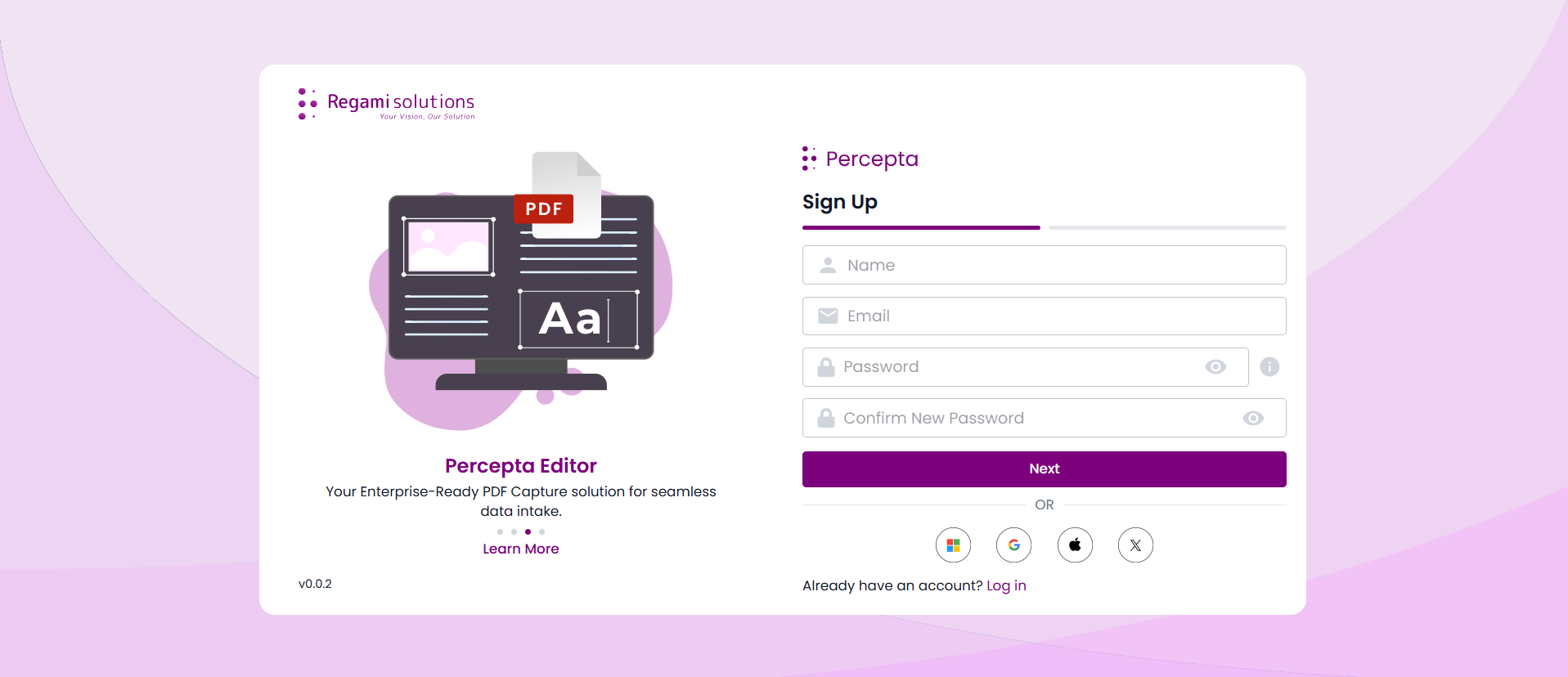
Step 2: Fill in your basic details: Name, Email, Password, and Confirm Password. Click Next to proceed.
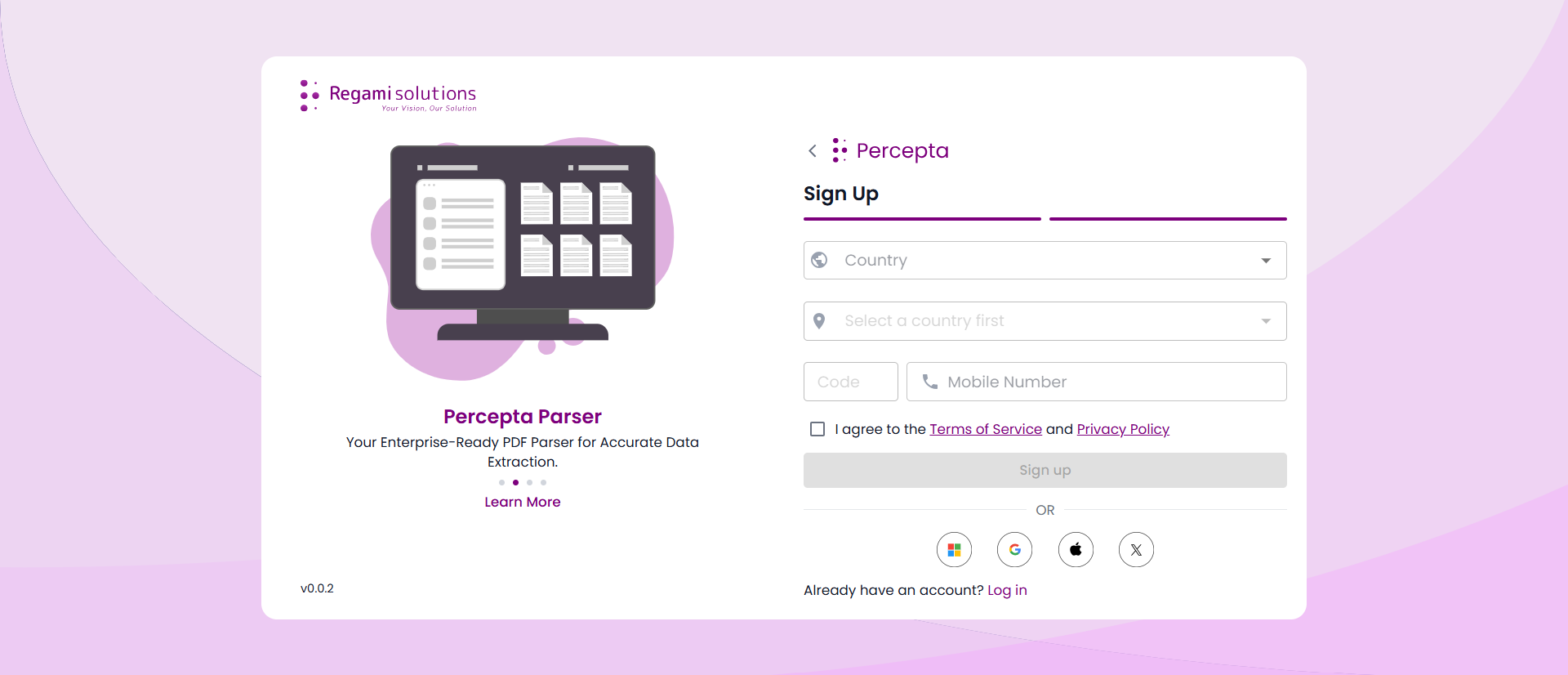
Step 3: Provide your Country and Mobile Number, and agree to the Terms of Service and Privacy Policy. Then click Sign Up to continue.
Step 4: After successful verification, a confirmation message will appear and navigate to the Login page.
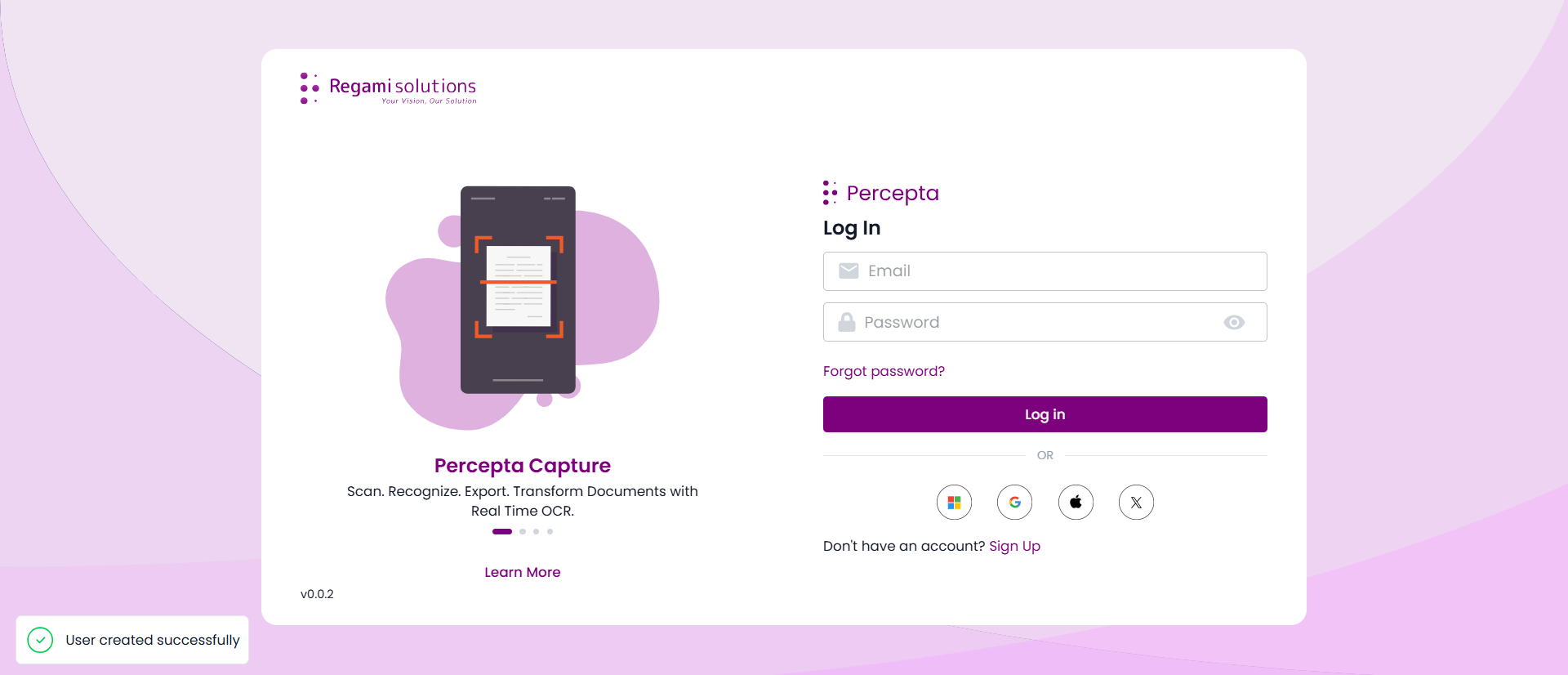
Steps to Login In
Logging In to PERCEPTA: Step-by-Step Guide
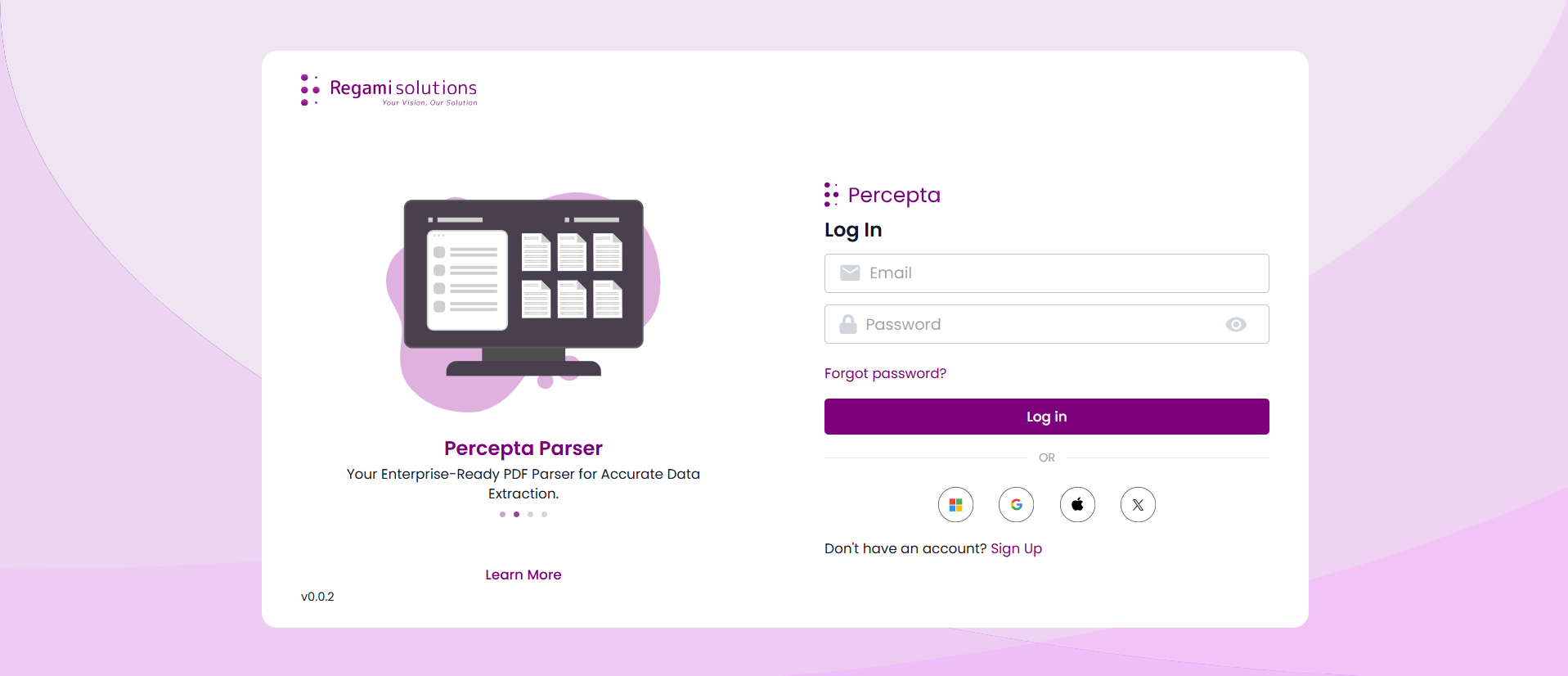
Step 1: Open the PERCEPTA application. The login screen will appear.
Step 2: Enter your Email and Password, then click Log in.
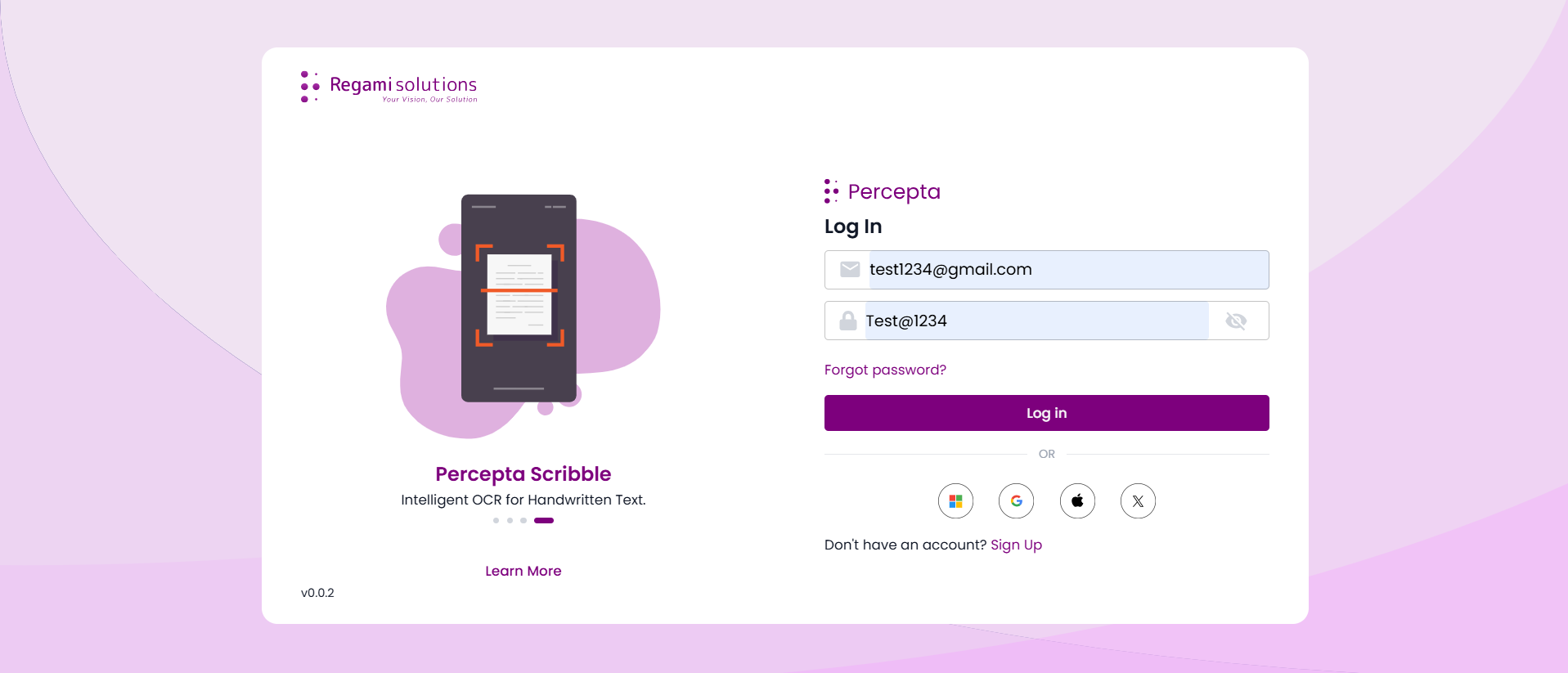
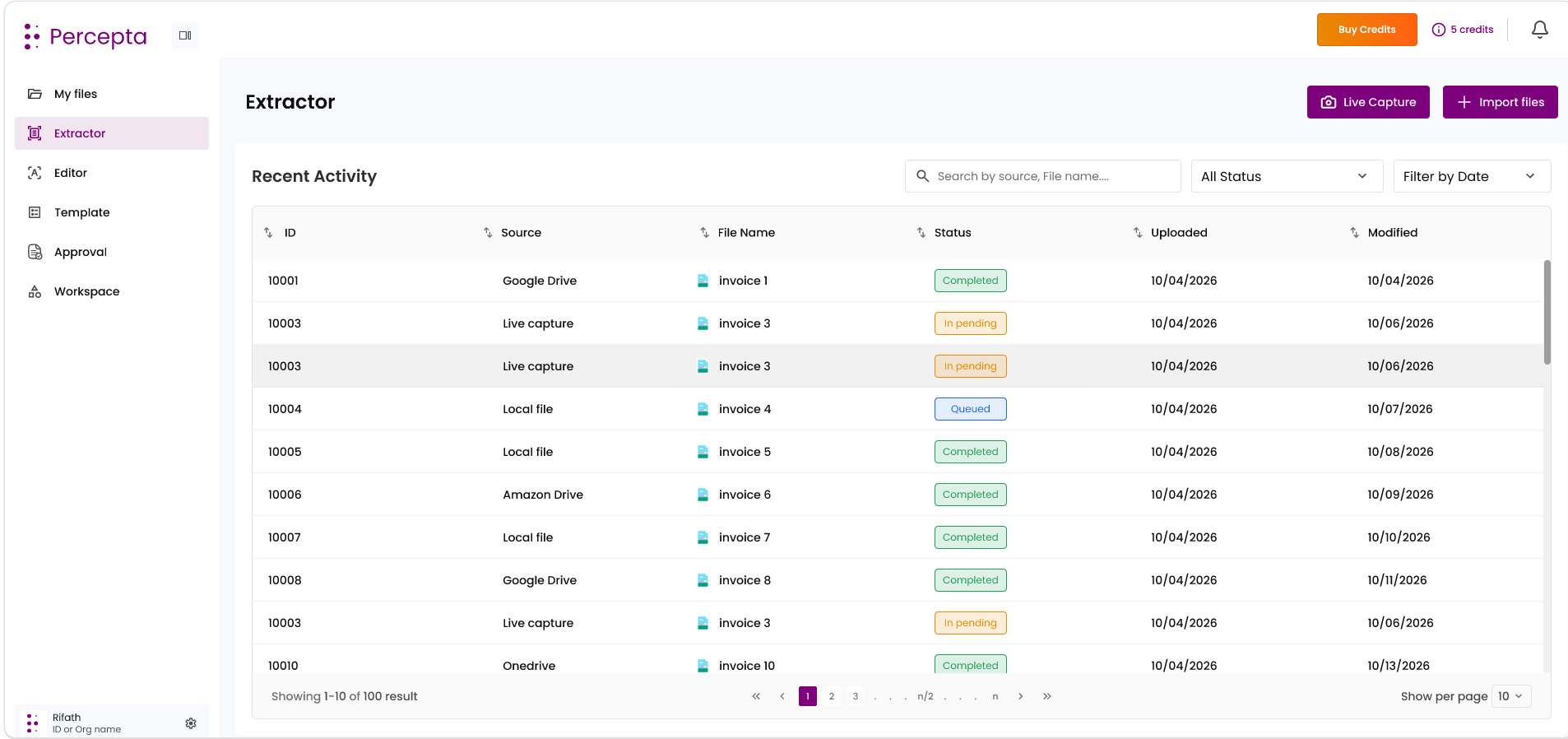
Step 3: Upon successful login, you will be redirected to the main dashboard of the application.
Resetting Your Password Using ‘Forgot Password’
Step-by-Step Guide to Reset Your Password
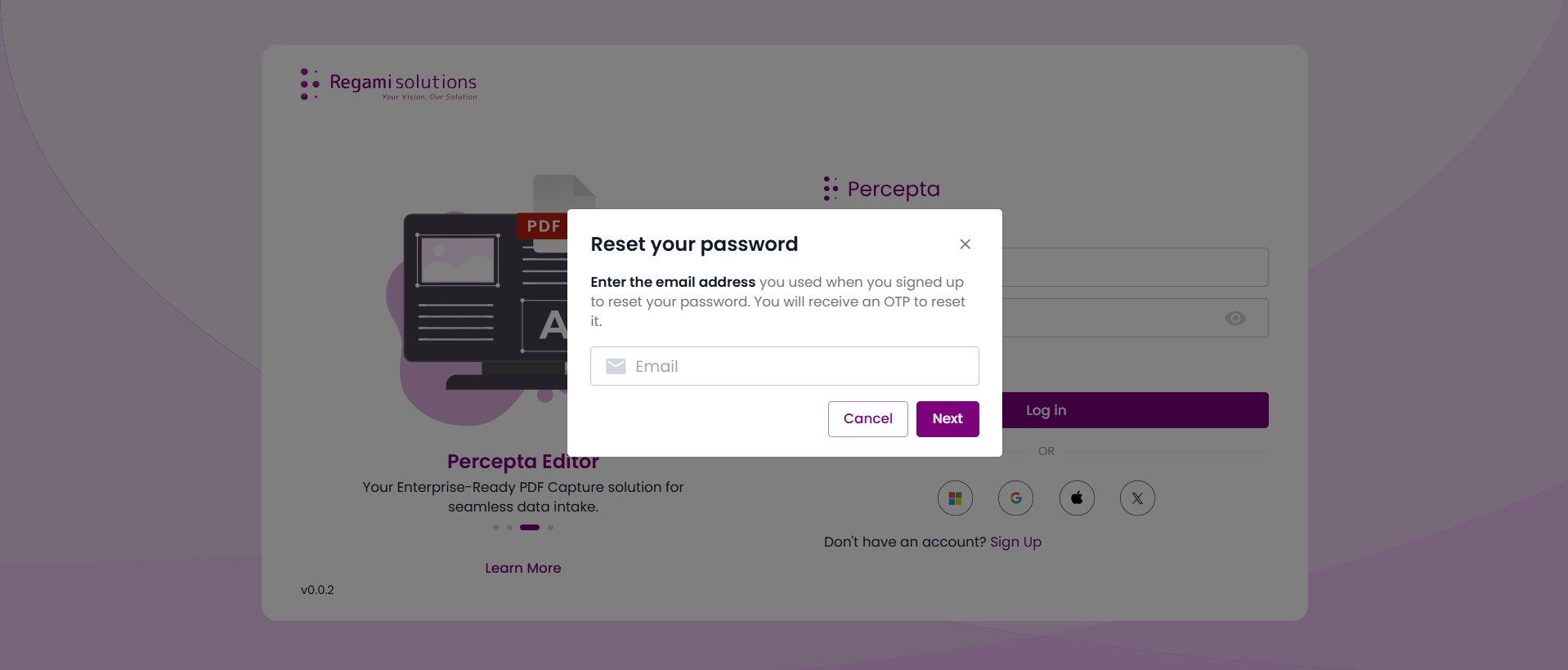
Step 1: On the login screen, click Forgot password? below the login form. A pop-up window will appear asking for your registered email address.
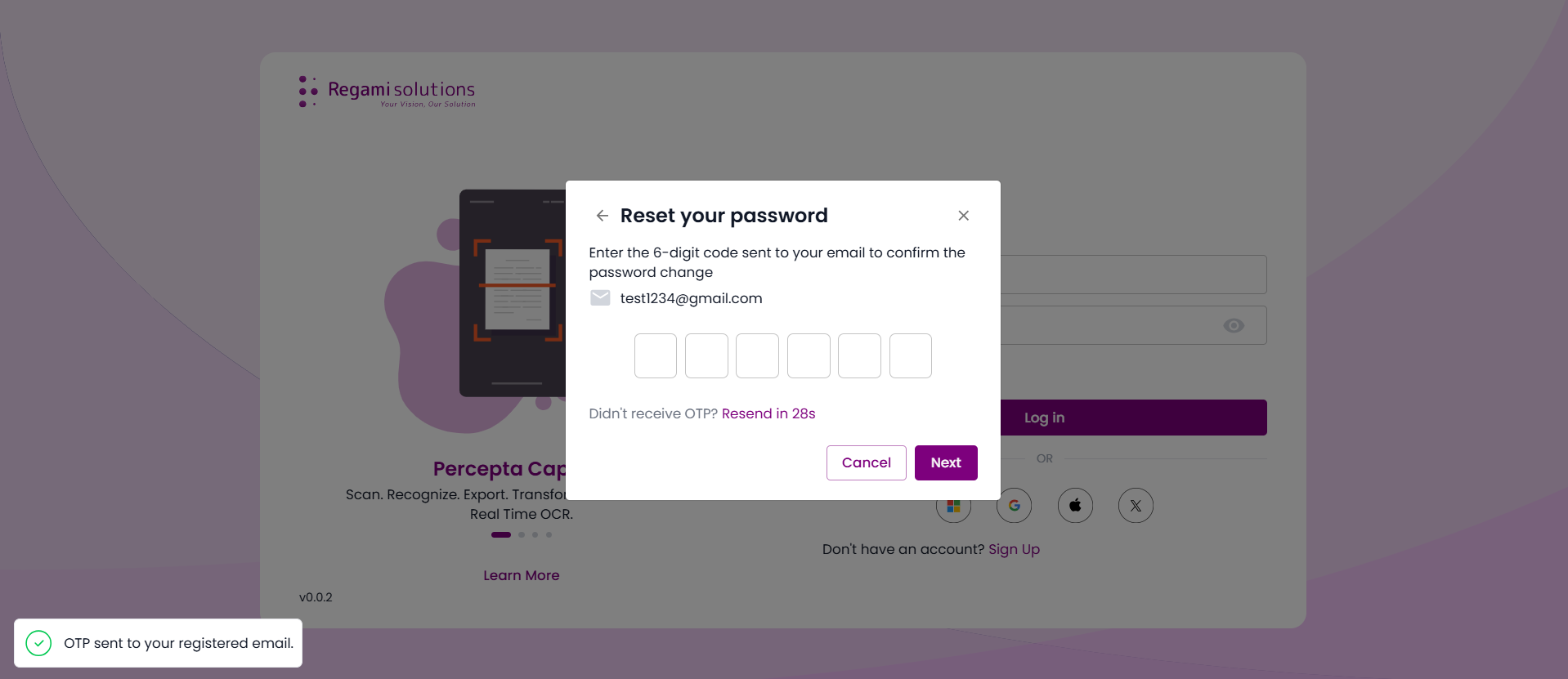
Step 2: Enter your registered email address and click Next. You will receive a 6-digit OTP at your email to confirm the password reset.
Step 3: Enter the 6-digit OTP in the provided fields and click Next to verify.
Step 4: Once the OTP is successfully verified, you will be prompted to set a new password. Enter a strong password, confirm it, and click Next.
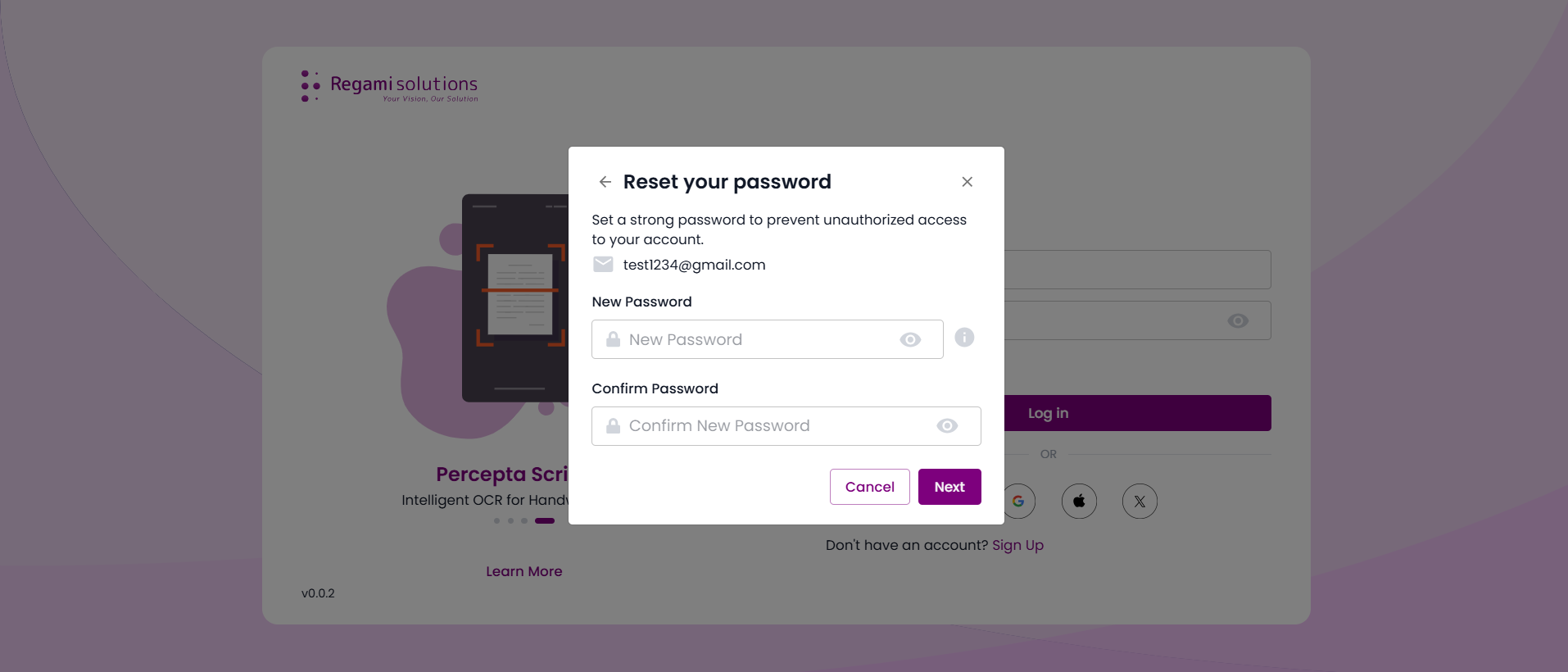
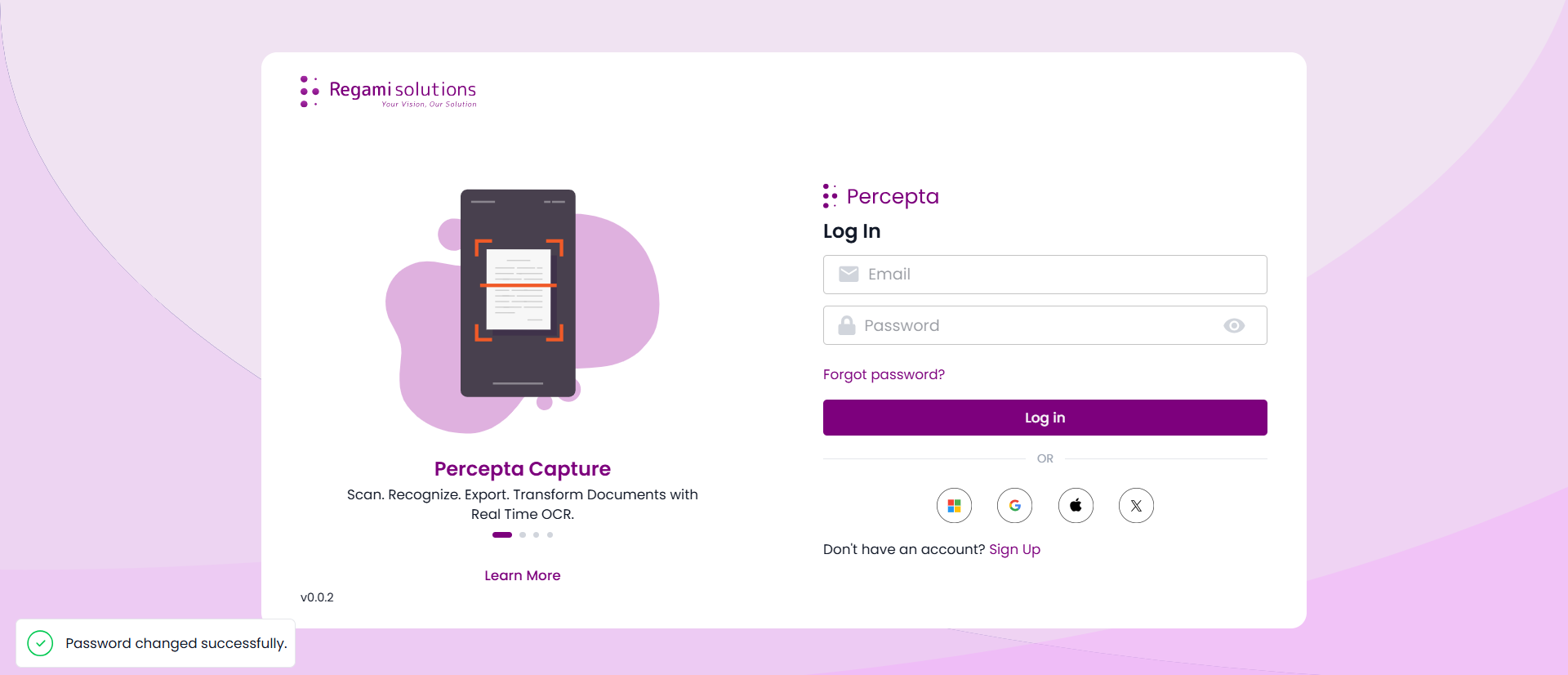
Step 5: Your password has been successfully updated. You may now log in with your new credentials.